Start with the document you already have.
Bring in a PDF, Word file or image. Compfiled turns it into source you can inspect, change and compile instead of leaving you with a closed conversion.
Turn PDFs, Word files and images into editable LaTeX. Compile the project, work with the result, and keep the whole process in one place.
Bring in a PDF, Word file or image. Compfiled turns it into source you can inspect, change and compile instead of leaving you with a closed conversion.
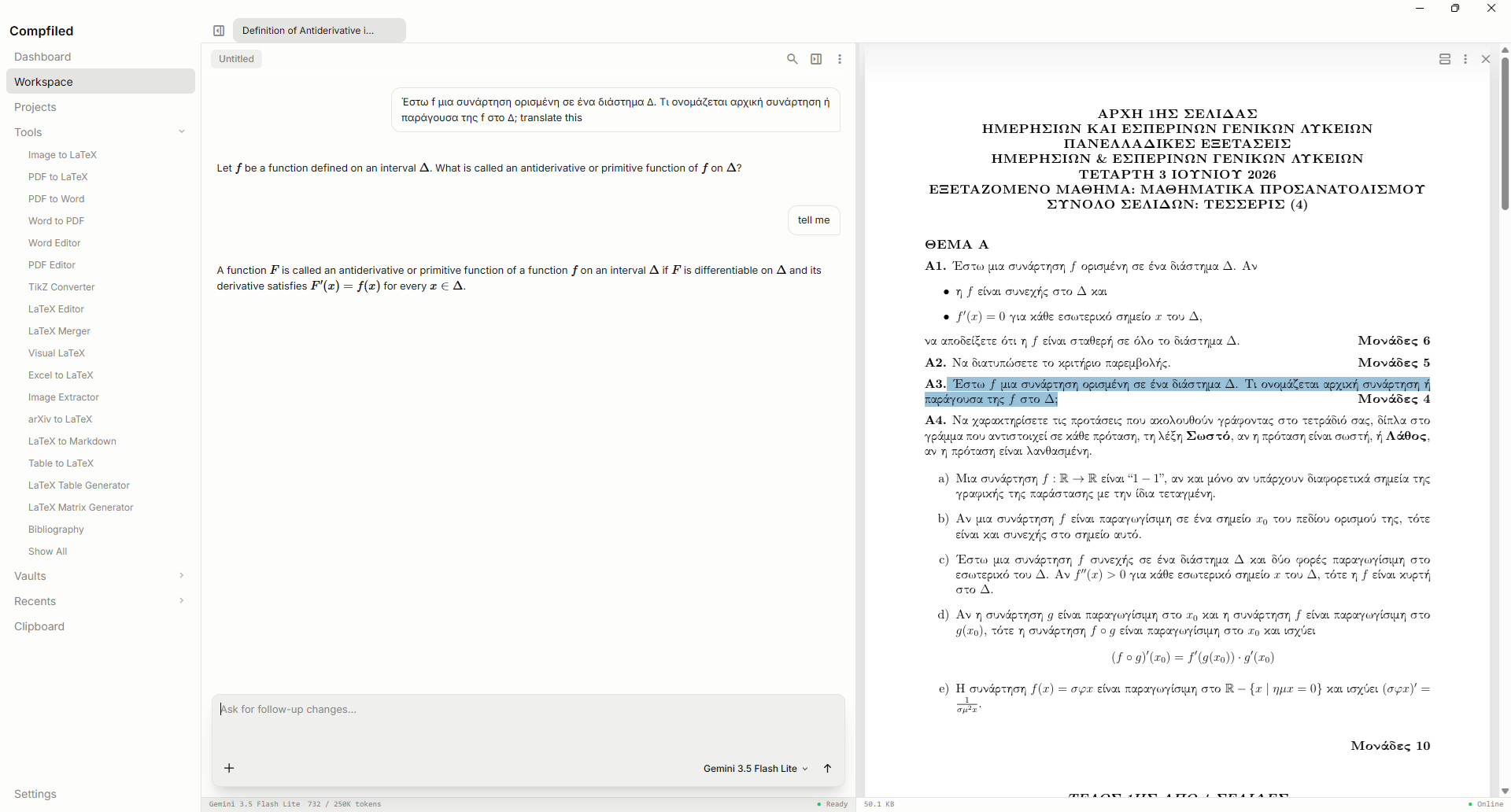
Open documents, images and project files inside a persistent workspace. Use local tools directly, or connect your own AI provider only when the task needs it.
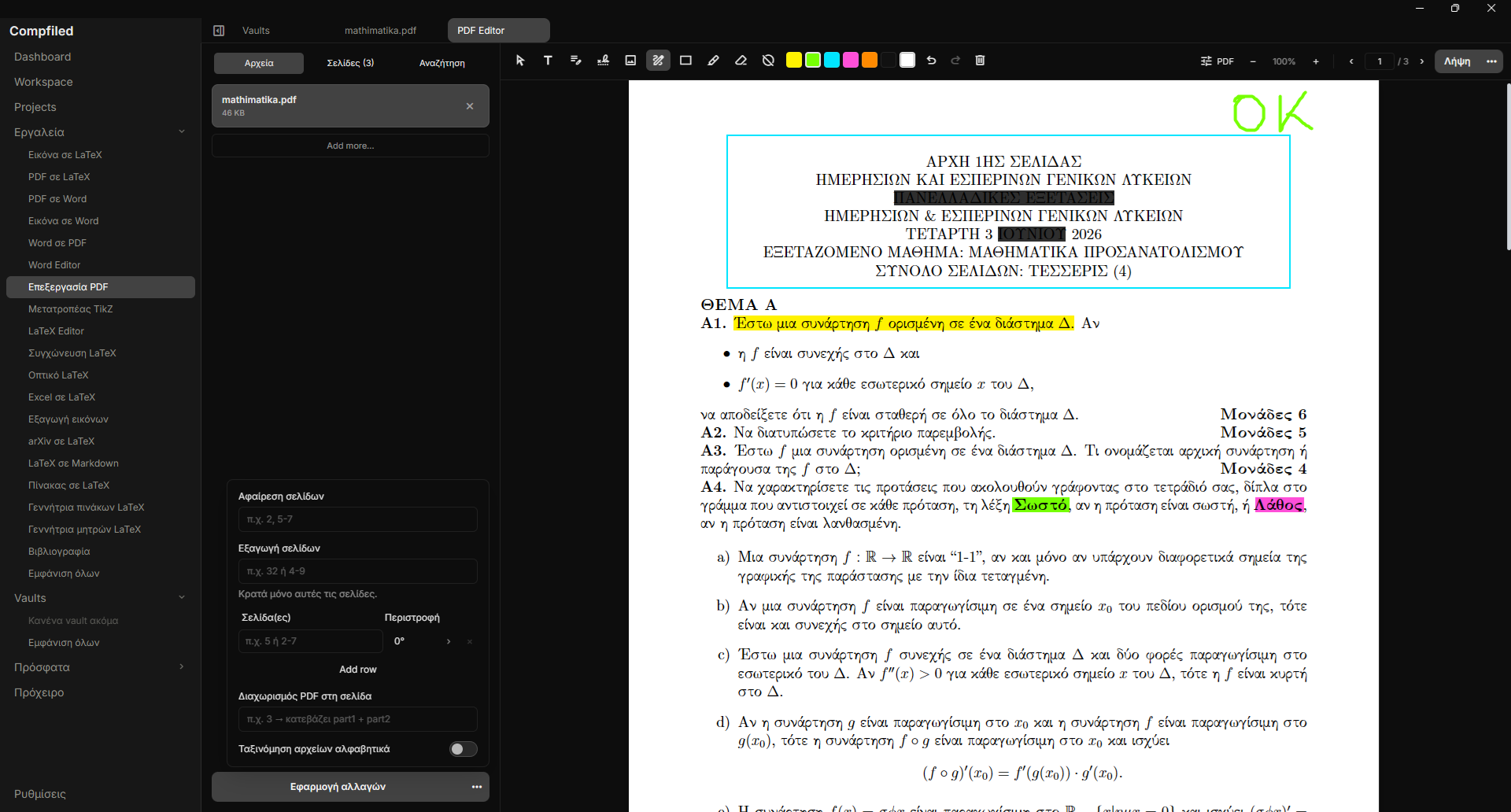
Annotate and organise pages, add text or images, redact content, add a watermark, protect the file, or save a new copy while keeping the original.
Projects, editing, compilation and PDF tools run on your computer. Cloud AI receives material only when you start an AI action with your own key; local AI can stay on the machine too.
Compfiled is free, with no account, subscription or advertising.